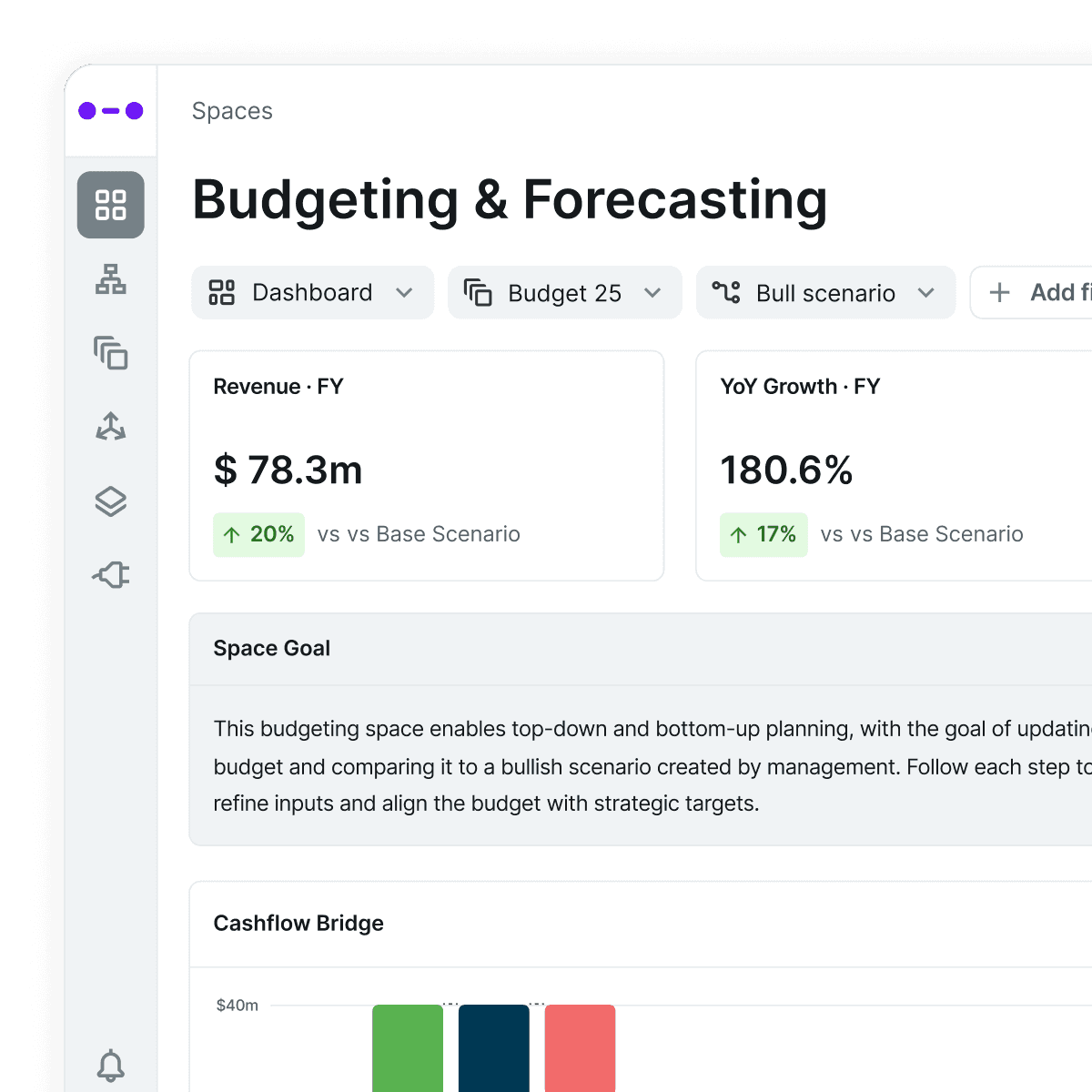
In this micro demo, we show how Abacum enables budget owners to input, edit, and submit their numbers directly — within a collaborative, real-time environment.
No more chasing spreadsheets or updating disconnected files. Everyone works in one place.
Key Benefits
Collaborative planning made simple
Budget owners can easily input requests, adjustments, and justifications — directly in-platform.
Multi-channel input options
Update from Google Sheets, Excel, or Abacum’s UI — whatever works best for your team.
Streamlined approval workflows
Approvers can instantly accept or adjust inputs, with full context and impact analysis.
Real-time impact visibility
See how proposed changes affect your P&L or forecasts immediately — no delays, no guesswork.
Step by Step
1. Budget owners input data
Editable panels in Abacum let users add or update values directly in the model — no spreadsheet swaps needed.
2. Request flows to approvers
Once input is submitted, approvers receive it instantly and can choose to approve or modify the request.
3. See impact on your financials
As changes are made, the results are immediately visible in the output — such as the P&L — ensuring transparency and alignment.
TL;DR |
|---|
Abacum brings budget owners into the process without adding complexity. Everyone inputs and approves data in one place, reducing back-and-forth and speeding up planning cycles. |
Disclaimer: This video is part of a 10-step series on how to build your FY’26 Budget in Abacum. You can explore the other steps on our website or in this YouTube playlist.