Webinar series with Christian Wattig: FP&A intelligence, one industry at a time
Webinar series with Christian Wattig: FP&A intelligence, one industry at a time
Headcount Planning
Where your hiring plan and financial forecast finally meet.
Plan, approve and forecast headcount in the same connected model as your budget, so your financial model stays current as your organization changes.

Headcount Planning
Where your hiring plan and financial forecast finally meet.
Plan, approve and forecast headcount in the same connected model as your budget, so your financial model stays current as your organization changes.
Headcount Planning
Where your hiring plan and financial forecast finally meet.
Plan, approve and forecast headcount in the same connected model as your budget, so your financial model stays current as your organization changes.
Powering the world's best FP&A teams
















Powering the world's best FP&A teams
Powering the world's best FP&A teams
Your headcount is 70% of your cost. Your financial model should know about every hire.

HR, Finance and hiring managers each keep their own list
Three versions of the same plan, none reconciled.
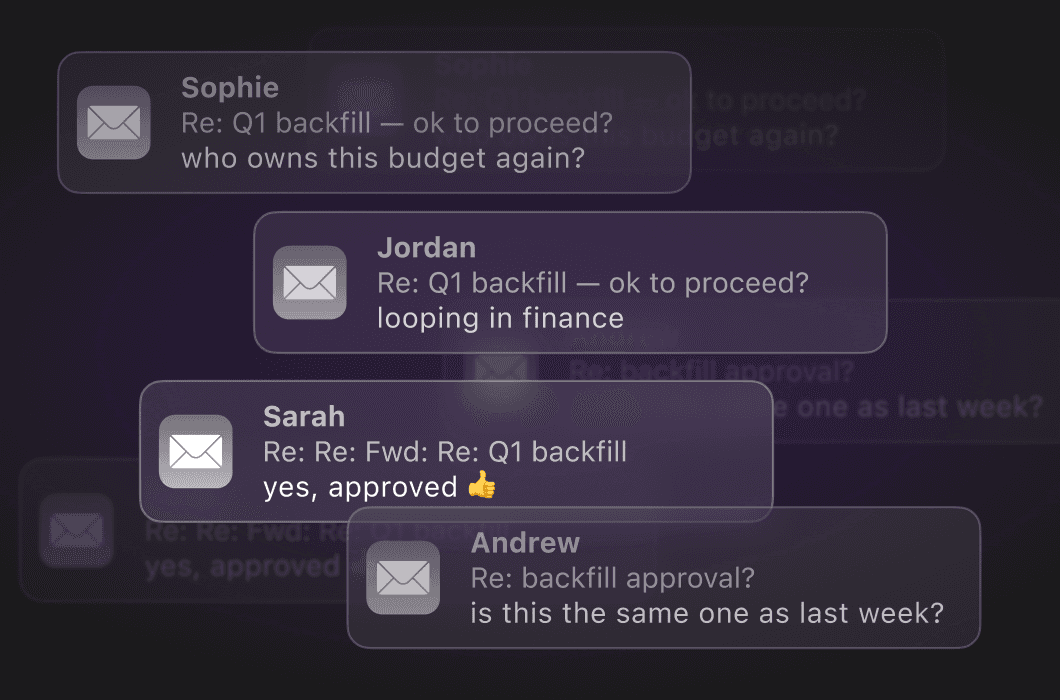
Approvals live in email, Slack and comment threads
No trail of who approved what, against which budget.
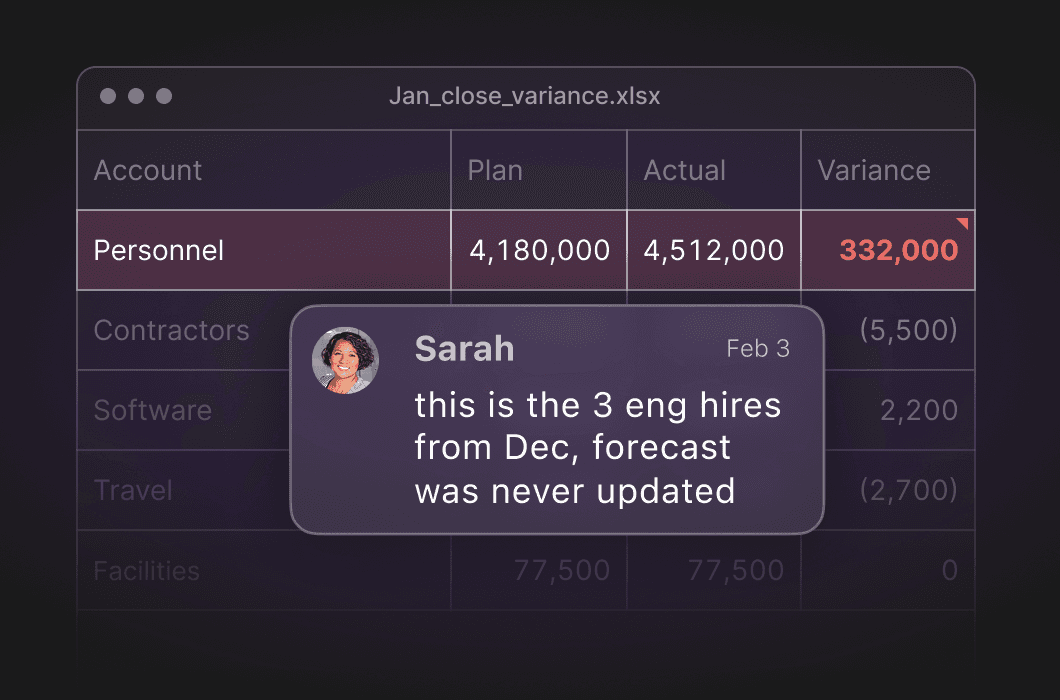
A hire lands and payroll moves, but the forecast doesn't
The variance surfaces at close, weeks later.
Your headcount is 70% of your cost. Your financial model should know about every hire.
HR, Finance and hiring managers each keep their own list
Three versions of the same plan, none reconciled.
Approvals live in email, Slack and comment threads
No trail of who approved what, against which budget.
A hire lands and payroll moves, but the forecast doesn't
The variance surfaces at close, weeks later.
Your headcount is 70% of your cost. Your financial model should know about every hire.
HR, Finance and hiring managers each keep their own list
Three versions of the same plan, none reconciled.
Approvals live in email, Slack and comment threads
No trail of who approved what, against which budget.
A hire lands and payroll moves, but the forecast doesn't
The variance surfaces at close, weeks later.
One connected model for your workforce and your forecast
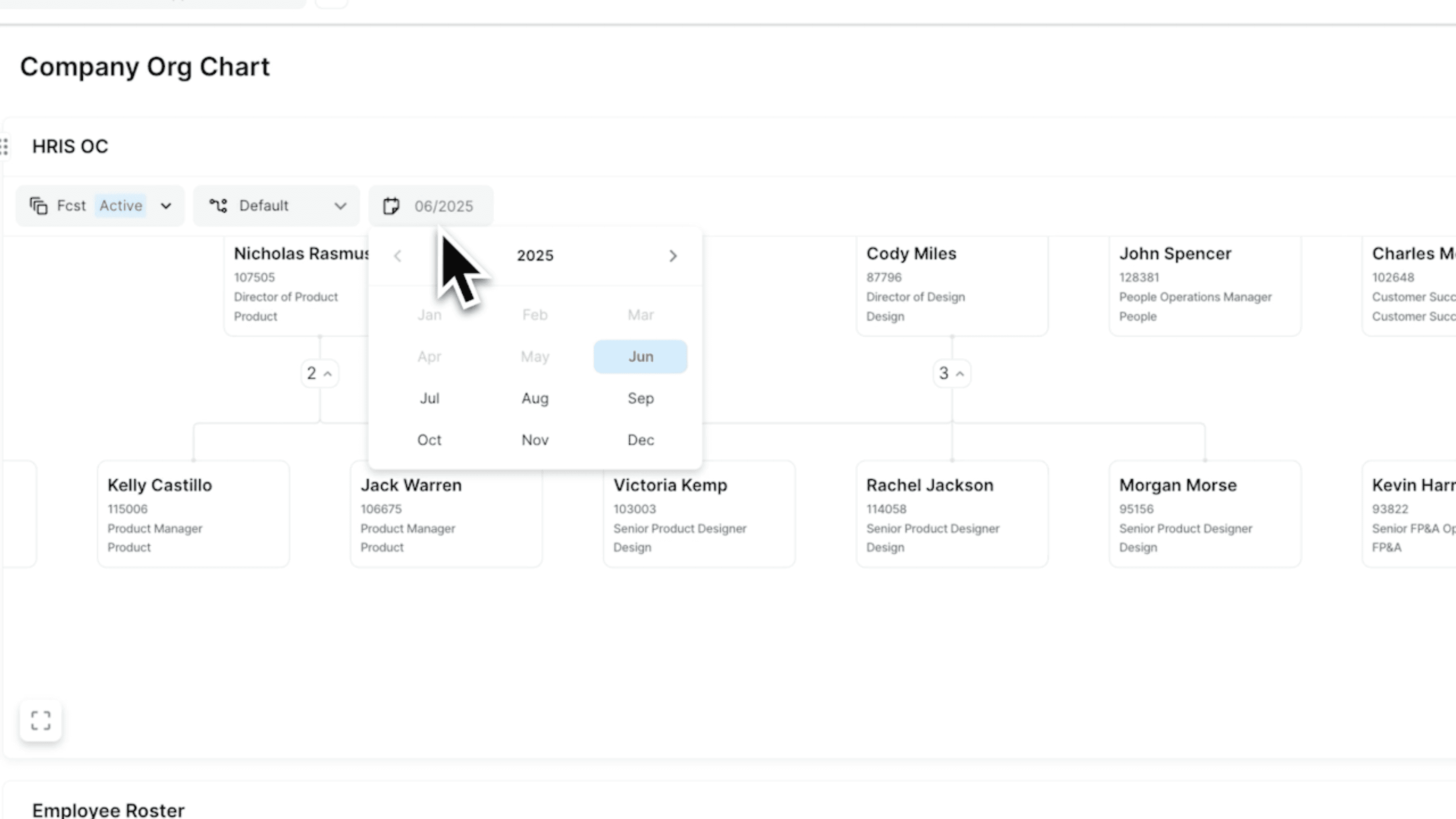
Bring headcount planning into the financial model. HR data, salary bands, open roles and approvals stay connected, so changes to your organization flow through to the forecast.
Planning workflows
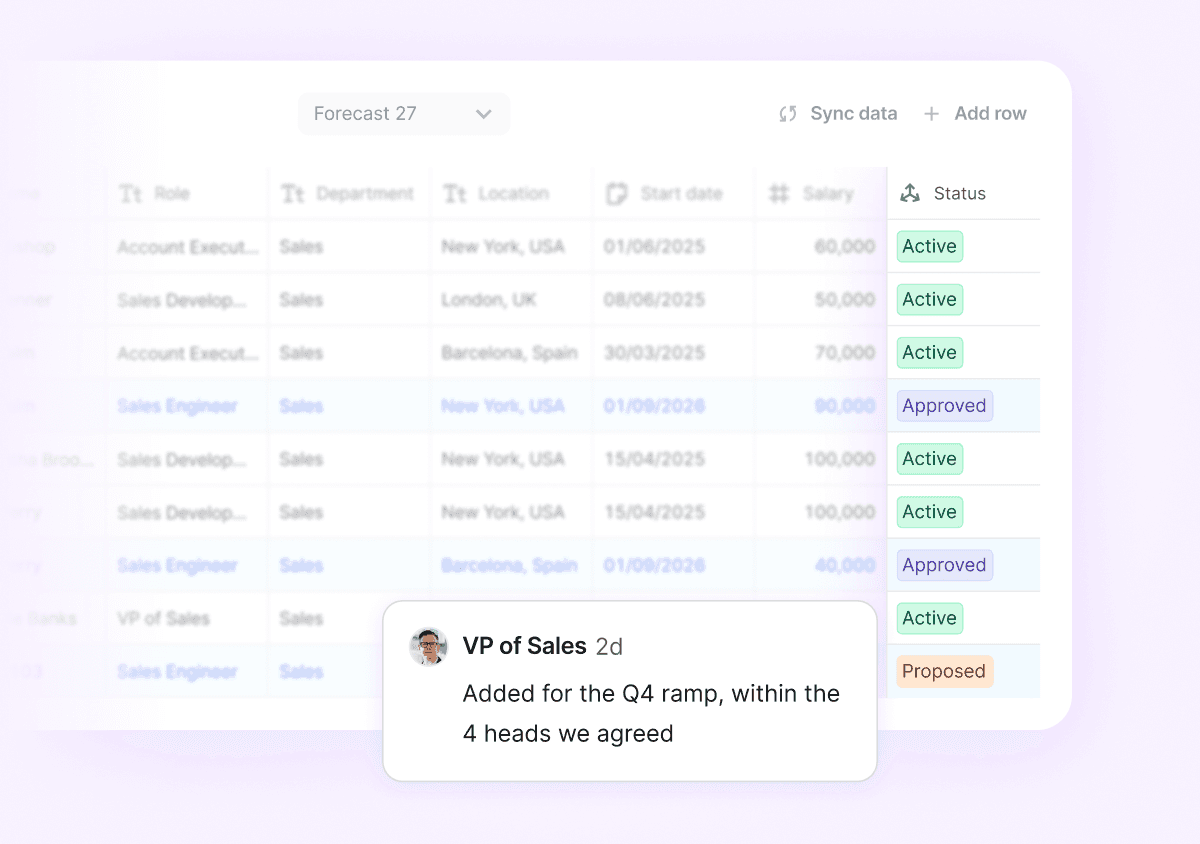
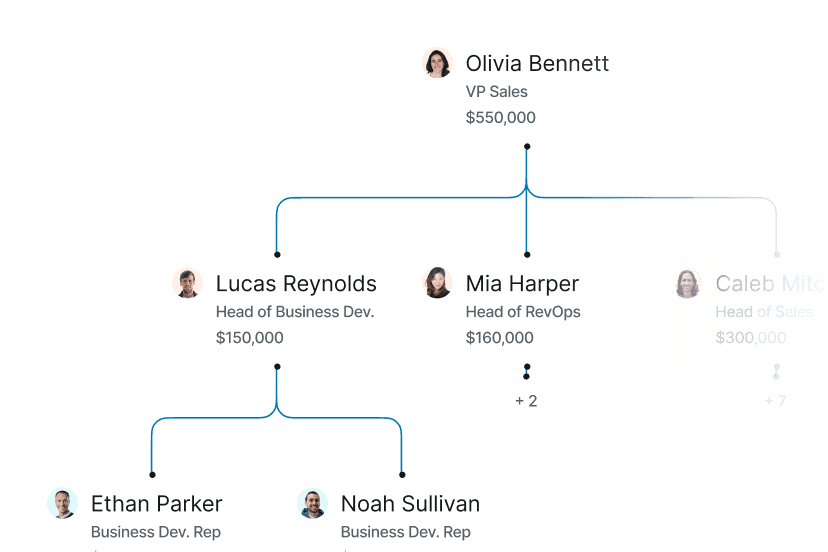
Plan every hire in the context of the budget
Department heads submit and adjust their own headcount within the limits you set, with role-based permissions and templates. Finance stays in control while budget owners can own their plans.
Automated reconciliations
Your forecast updates when your org does
Abacum syncs HRIS and payroll into one source of truth, reconciles workforce data automatically, and flags variance the moment it appears.


Headcount reporting
Just ask "why is payroll over plan?"
No filters, no pivot tables. Ask AI breaks down headcount and cost variance by department, role or location, and hands you an answer ready to share with HR.
One connected model for your workforce and your forecast
Bring headcount planning into the financial model. HR data, salary bands, open roles and approvals stay connected, so changes to your organization flow through to the forecast.
Planning workflows
Plan every hire in the context of the budget
Department heads submit and adjust their own headcount within the limits you set, with role-based permissions and templates. Finance stays in control while budget owners can own their plans.
Automated reconciliations
Your forecast updates when your org does
Abacum syncs HRIS and payroll into one source of truth, reconciles workforce data automatically, and flags variance the moment it appears.
Headcount reporting
Just ask "why is payroll over plan?"
No filters, no pivot tables. Ask AI breaks down headcount and cost variance by department, role or location, and hands you an answer ready to share with HR.
One connected model for your workforce and your forecast
Bring headcount planning into the financial model. HR data, salary bands, open roles and approvals stay connected, so changes to your organization flow through to the forecast.
Planning workflows
Plan every hire in the context of the budget
Department heads submit and adjust their own headcount within the limits you set, with role-based permissions and templates. Finance stays in control while budget owners can own their plans.
Automated reconciliations
Your forecast updates when your org does
Abacum syncs HRIS and payroll into one source of truth, reconciles workforce data automatically, and flags variance the moment it appears.
Headcount reporting
Just ask "why is payroll over plan?"
No filters, no pivot tables. Ask AI breaks down headcount and cost variance by department, role or location, and hands you an answer ready to share with HR.

Built to fit your stack
Connect your HRIS, payroll and ATS to keep your headcount plan current. Employee data, salaries and open roles flow into your model automatically, so planned and actual headcount stay aligned without a manual audit.







Planning doesn't stop at headcount


Planning doesn't stop at headcount
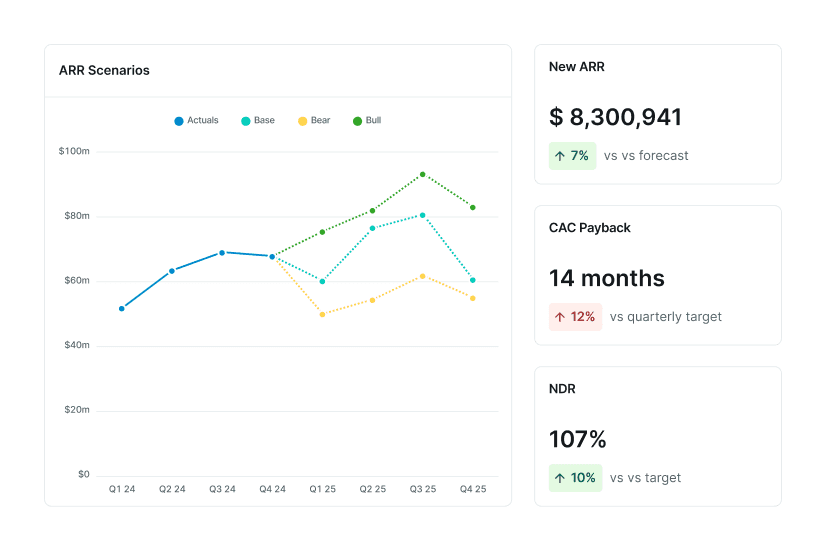
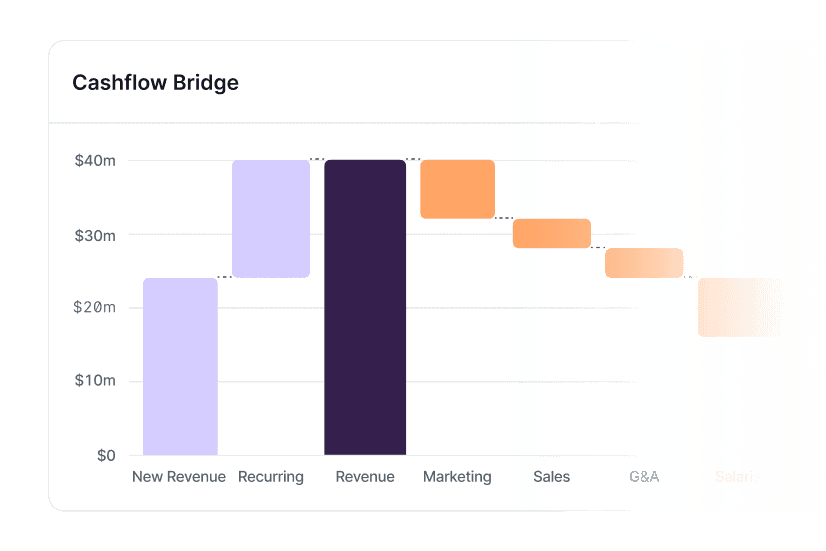
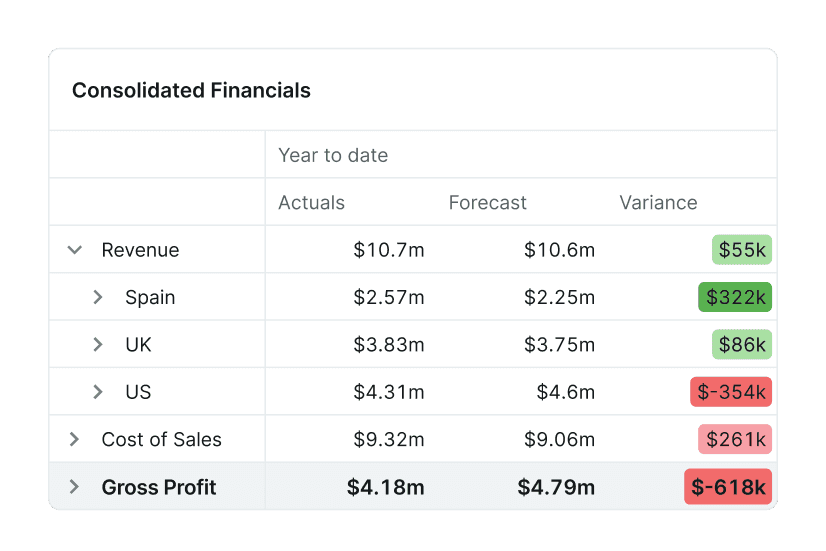
Planning rarely stops at revenue
Planning rarely stops at revenue
Headcount Planning FAQs
How is Abacum different from planning headcount in our HRIS or a spreadsheet?
Abacum connects headcount directly to the financial model. Open roles, personnel costs, budgets and approvals sit alongside the forecast, so Finance can see the financial impact of hiring decisions without maintaining a separate headcount model or reconciling spreadsheets.
How does Abacum keep the headcount plan up to date as our org changes?
Abacum connects HRIS and payroll data to your plan, reconciles workforce changes automatically and flags variance as it appears. When actual headcount or personnel costs change, Finance can see the impact without waiting for a manual month-end reconciliation.
Can department heads plan headcount without giving them access to the full financial model?
Yes. Finance can use role-based permissions and templates to let department heads submit and adjust headcount within the budgets and planning structure you set, while keeping control of the broader financial model.
Can we see the financial impact of a hire before we approve it?
Yes. Because headcount sits inside the broader financial model, Finance can evaluate the cost and timing of planned roles in the context of the budget and forecast before the hiring decision is made.
Can Abacum handle changes like backfills, start-date shifts and compensation changes?
Abacum is designed to keep workforce changes connected to the plan as they happen. Teams can adjust hiring assumptions and planned roles, then reconcile the plan against actual workforce data as the organization changes.
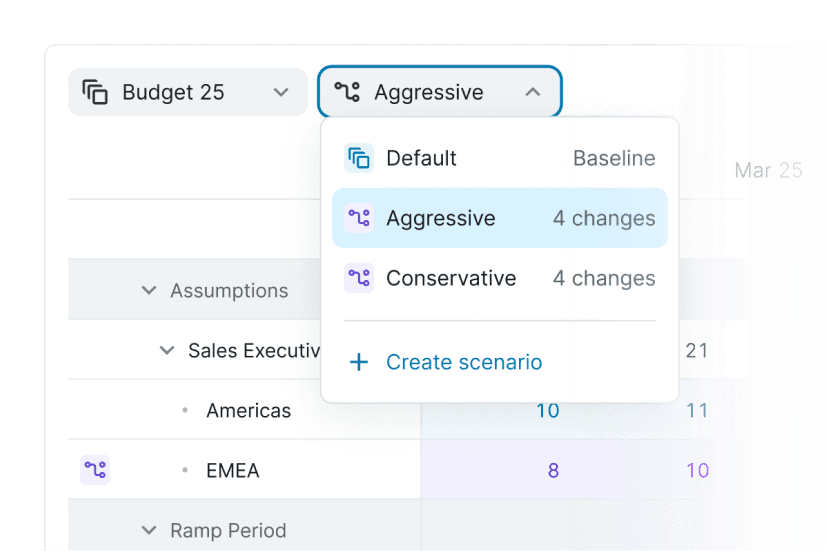
Can we model different hiring scenarios and see the impact on the forecast?
Yes. You can change hiring assumptions and see how those changes affect the broader financial plan, making it easier to compare scenarios without rebuilding a separate headcount forecast.
How do approvals work in Abacum?
Headcount planning can be managed through a shared workflow with permissions and approval processes around the plan. This gives Finance and budget owners visibility into what is being planned and approved without relying on separate email, Slack and spreadsheet workflows.
What happens to our existing HRIS, payroll and ATS systems?
They stay in place. Abacum connects workforce data from your existing systems to the financial planning process, so Finance can work with current employee, payroll and hiring data without replacing the operational systems your teams already use.
How does headcount planning connect to the rest of FP&A in Abacum?
Headcount is part of the same broader planning environment as budgeting, forecasting, scenario planning and reporting. That means workforce decisions can be evaluated in the context of the financial plan rather than managed as an isolated HR workflow.
Every open role, costed and approved
See what your headcount plan looks like inside Abacum, with your data connected to your financial model.
Every open role, costed and approved
See what your headcount plan looks like inside Abacum, with your data connected to your financial model.
Every open role, costed and approved
See what your headcount plan looks like inside Abacum, with your data connected to your financial model.






Use cases
Industries


Use cases
Industries
Use cases
Industries