Webinar series with Christian Wattig: FP&A intelligence, one industry at a time
Webinar series with Christian Wattig: FP&A intelligence, one industry at a time
Scenario Planning
Three scenarios, one model, zero rebuilds
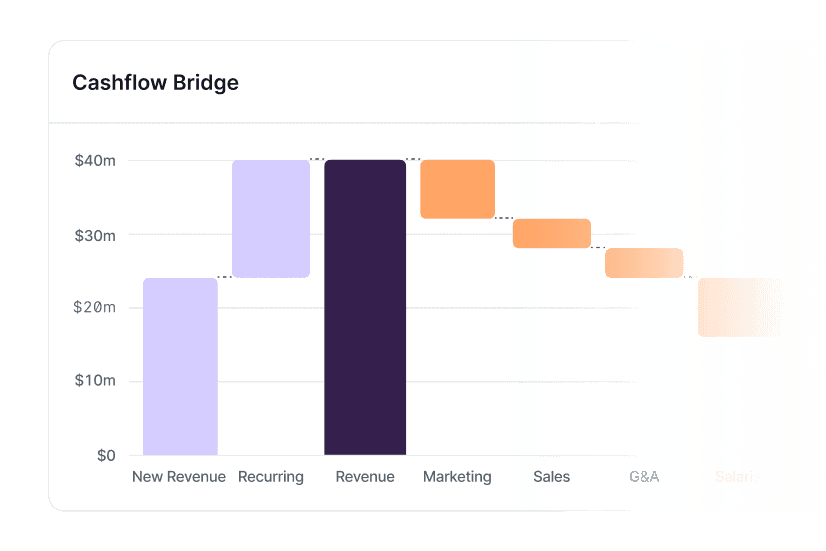
Build base, bull and bear off the same base version. Change an assumption and watch revenue, hiring and cash move together.

Scenario Planning
Three scenarios, one model, zero rebuilds
Build base, bull and bear off the same base version. Change an assumption and watch revenue, hiring and cash move together.
Scenario Planning
Three scenarios, one model, zero rebuilds
Build base, bull and bear off the same base version. Change an assumption and watch revenue, hiring and cash move together.
Powering the world's best FP&A teams












Powering the world's best FP&A teams
Powering the world's best FP&A teams
By the time the third scenario is ready, the question has changed
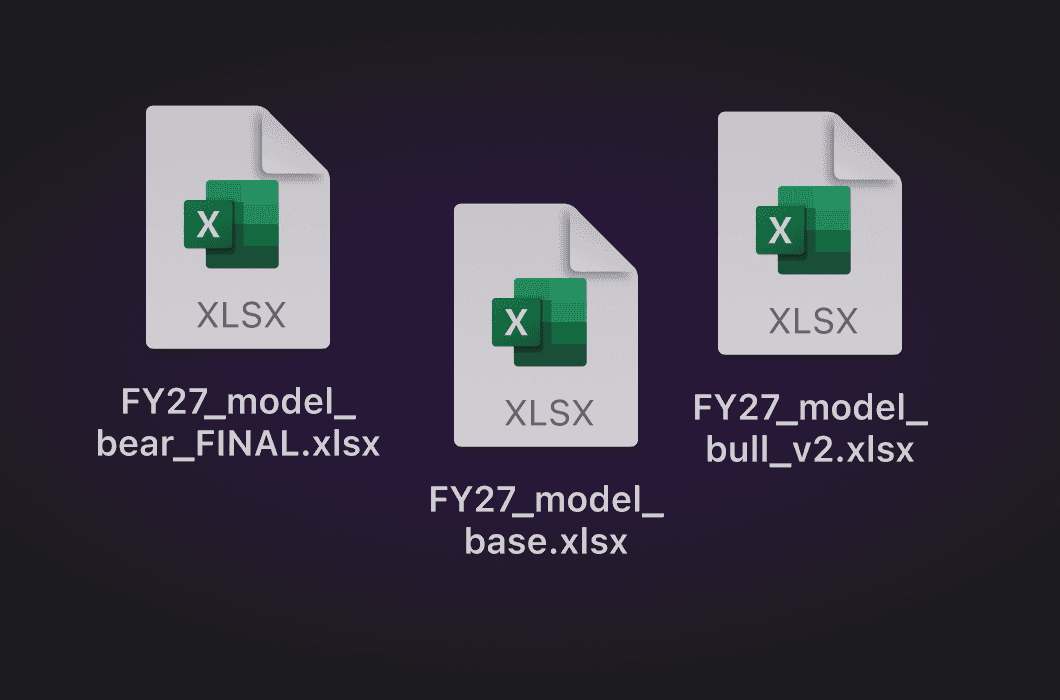
Each scenario is a copy of the file
Three versions, three sets of assumptions, no clean way to compare them.
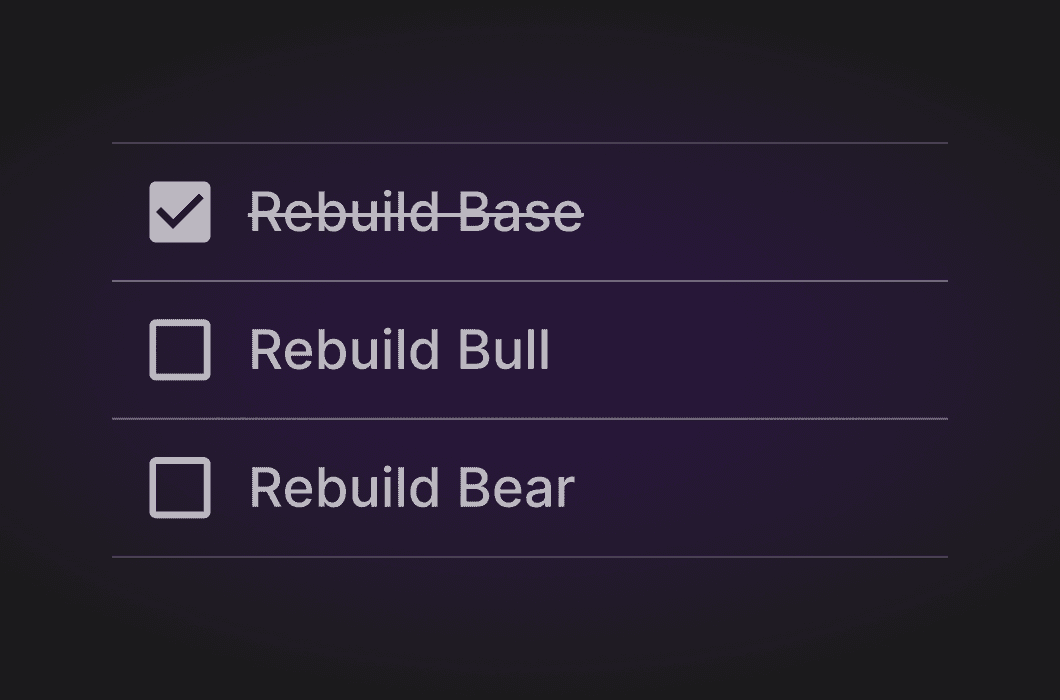
One change means redoing all of them
So scenarios get built once and never revisited.

Revenue, hiring and cash live in different models
A scenario that moves one doesn't move the others.
By the time the third scenario is ready, the question has changed
Each scenario is a copy of the file
Three versions, three sets of assumptions, no clean way to compare them.
One change means redoing all of them
So scenarios get built once and never revisited.
Revenue, hiring and cash live in different models
A scenario that moves one doesn't move the others.
By the time the third scenario is ready, the question has changed
Each scenario is a copy of the file
Three versions, three sets of assumptions, no clean way to compare them.
One change means redoing all of them
So scenarios get built once and never revisited.
Revenue, hiring and cash live in different models
A scenario that moves one doesn't move the others.
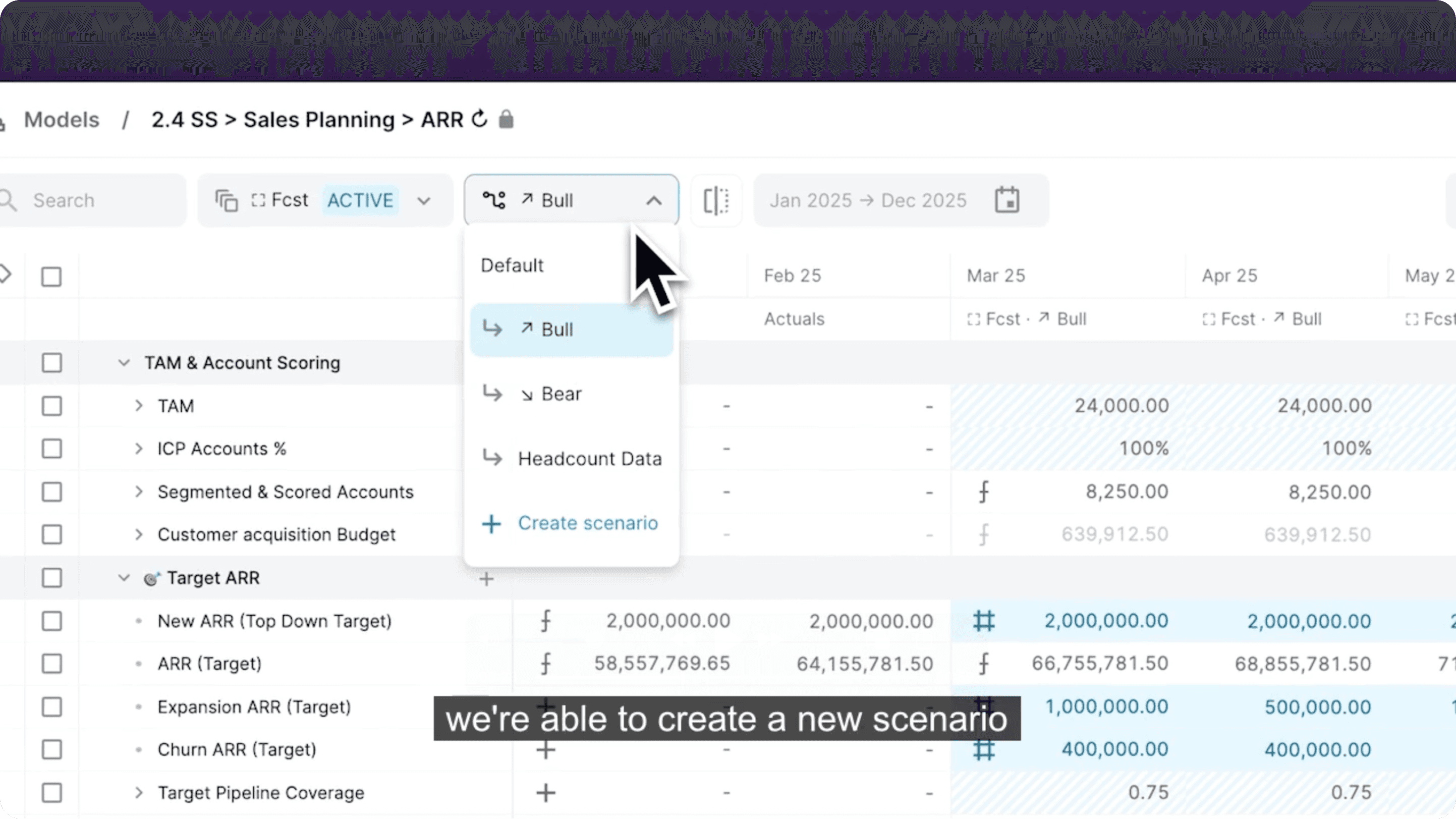
Build once, branch as many times as you need
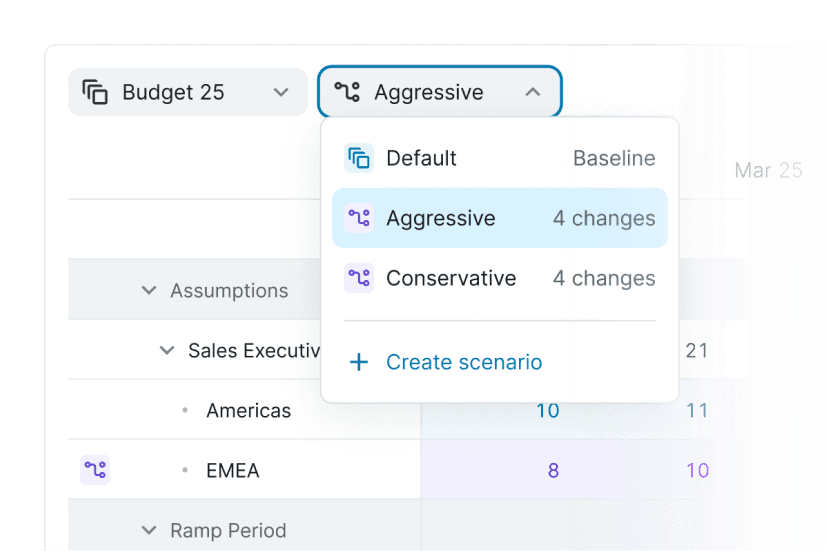
Linked scenarios off one base version. Change a driver and every downstream number follows.

Base, bull & bear
Drive confident year-end decisions
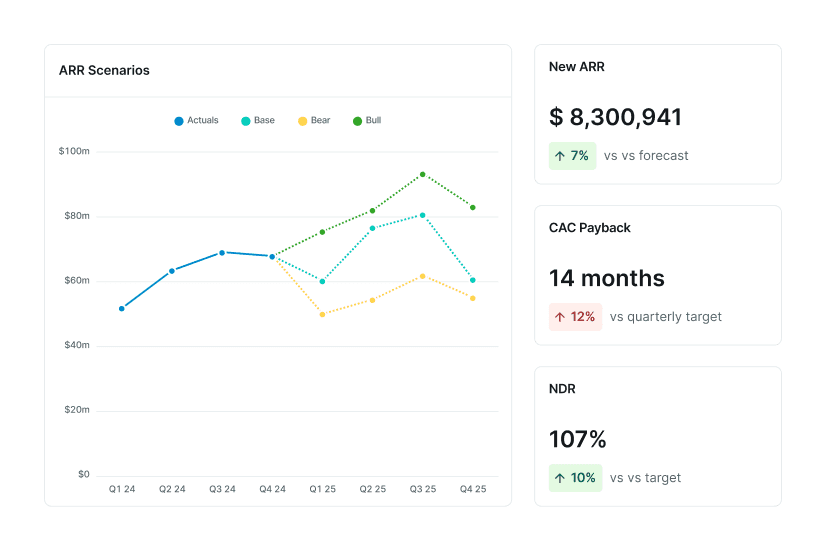
Scenario templates that let you adjust key drivers and compare deltas side by side.
Forecasts side-by-side
Empower your financial models
Edit scenarios, compare forecasts in one view, and identify the drivers that actually shape the result.
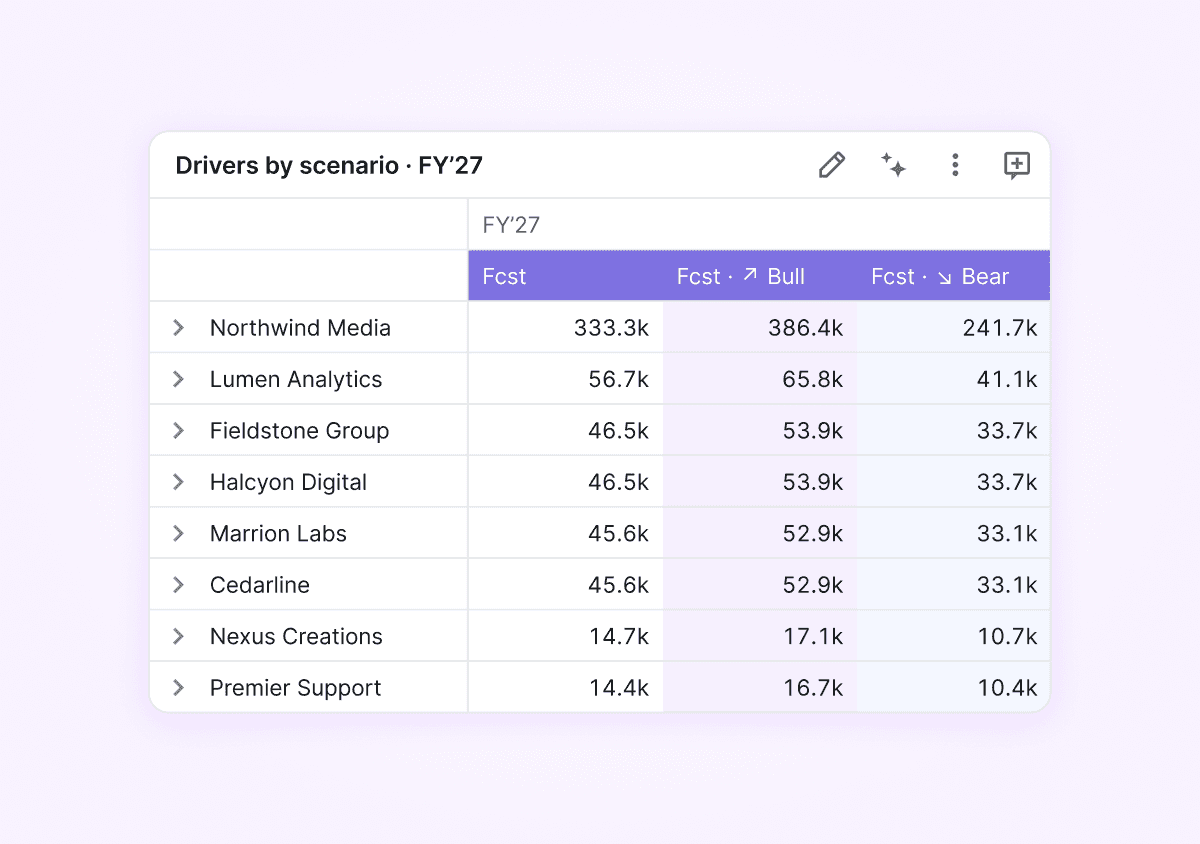

Compare scenario goals
Model the whole business, not one line
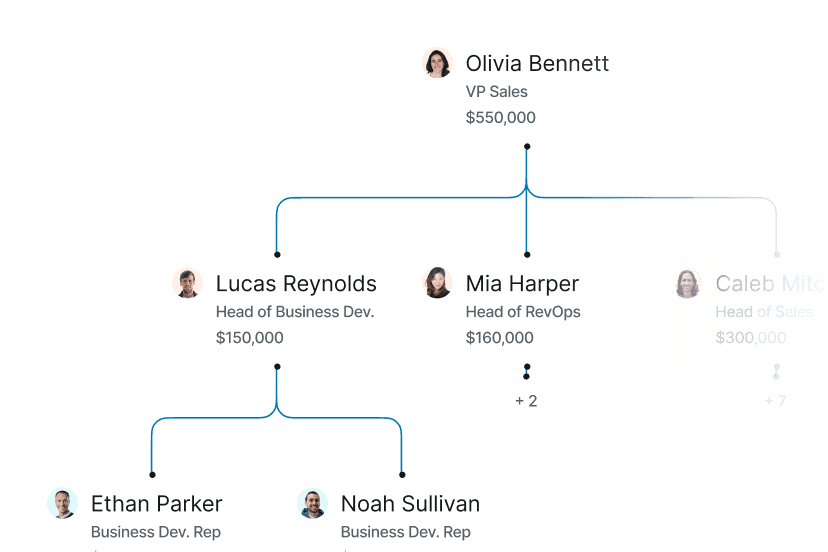
Connect RevOps, Opex and Headcount in the same scenario, and track performance against actuals as conditions change.
Build once, branch as many times as you need
Linked scenarios off one base version. Change a driver and every downstream number follows.
Base, bull & bear
Drive confident year-end decisions
Scenario templates that let you adjust key drivers and compare deltas side by side.
Forecasts side-by-side
Empower your financial models
Edit scenarios, compare forecasts in one view, and identify the drivers that actually shape the result.
Compare scenario goals
Model the whole business, not one line
Connect RevOps, Opex and Headcount in the same scenario, and track performance against actuals as conditions change.
Build once, branch as many times as you need
Linked scenarios off one base version. Change a driver and every downstream number follows.
Base, bull & bear
Drive confident year-end decisions
Scenario templates that let you adjust key drivers and compare deltas side by side.
Forecasts side-by-side
Empower your financial models
Edit scenarios, compare forecasts in one view, and identify the drivers that actually shape the result.
Compare scenario goals
Model the whole business, not one line
Connect RevOps, Opex and Headcount in the same scenario, and track performance against actuals as conditions change.
Scenario Studio
Start from the answer,
not the inputs
Set the target and let AI find the path through your model — within the limits you set, with every assumption visible.
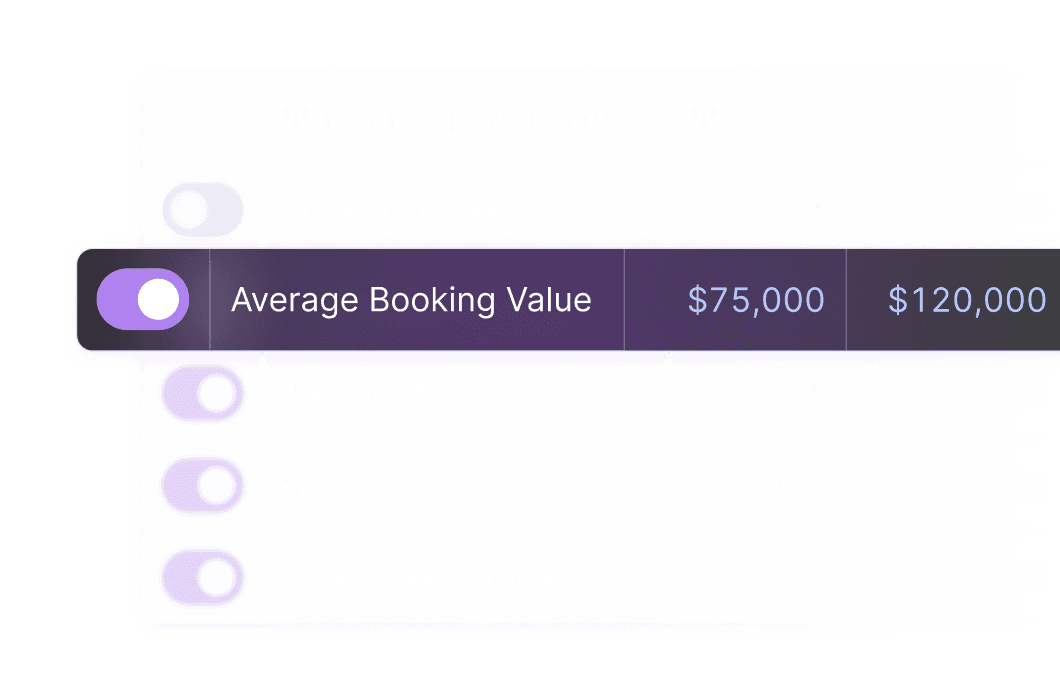
Feature 1
Outcome-first
Set the target. AI finds the path using your actual model — adjusting only the levers you unlock.
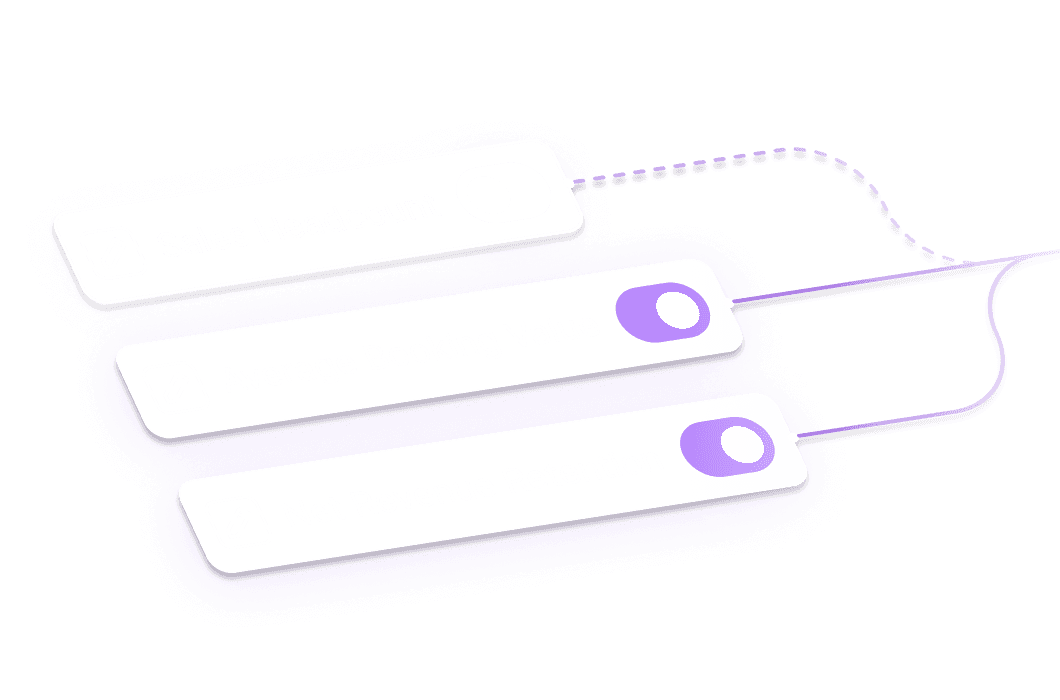
Feature 2
Constraint-aware
Set limits on any input. "Increase pipeline, but don't blow past $300K in marketing spend."
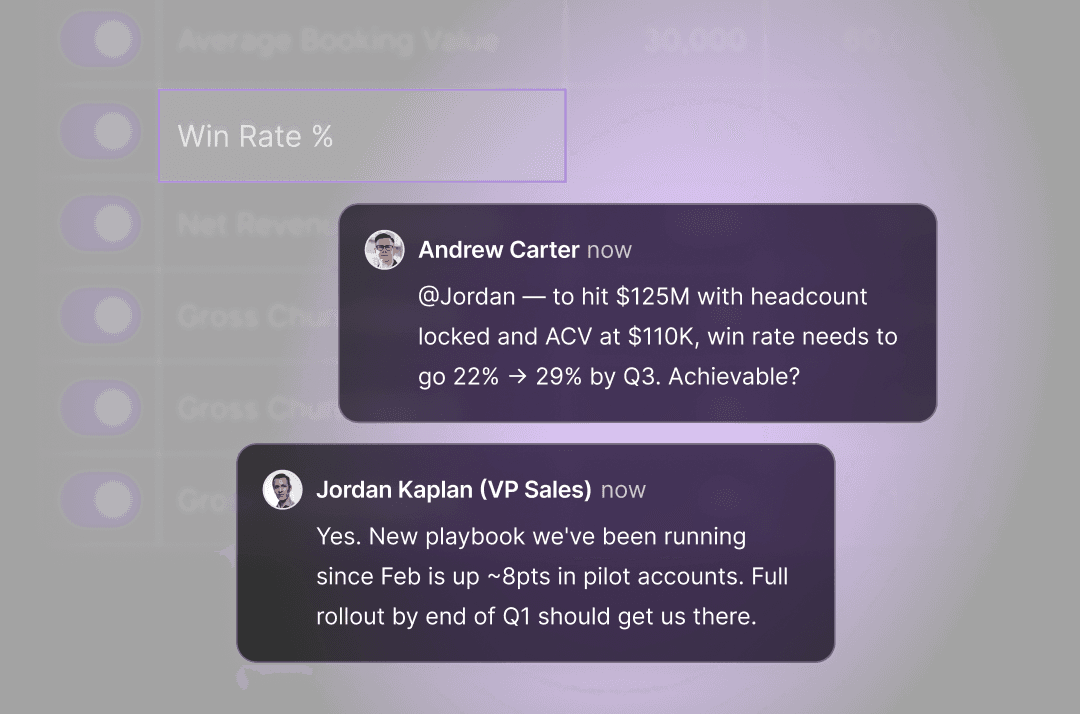
Feature 3
Fully traceable
Every assumption is visible and sharable. Every adjustment is auditable. Glass box, not black box.
Built to fit your stack





700+ integrations with the systems you're already using
Pipeline, actuals and headcount feeding the same base model, so every scenario starts from real numbers, not from last quarter's export.
You don't have to leave Excel to leave spreadsheet planning
Abacum's Excel connector reads and writes to the workbook you already trust. The model gets a live data layer, version control and an audit trail. You keep the formulas you know.
Teams that plan for every scenario








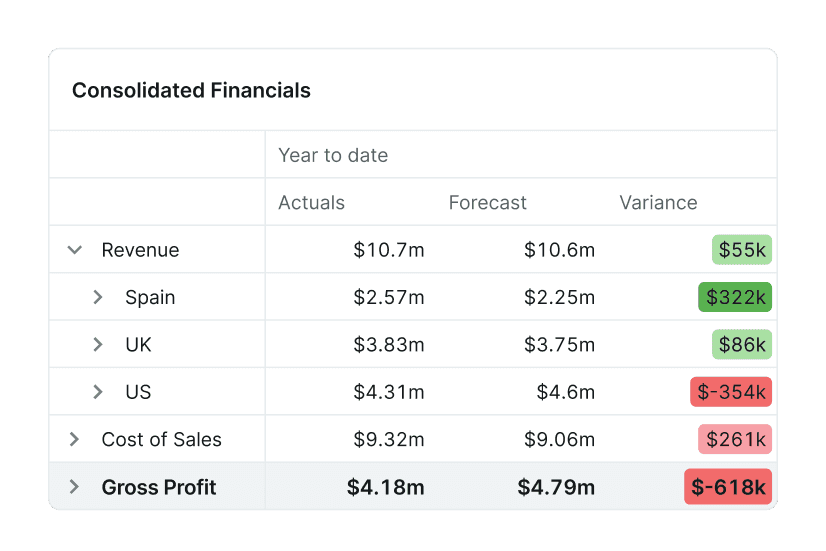
Planning rarely stops at revenue
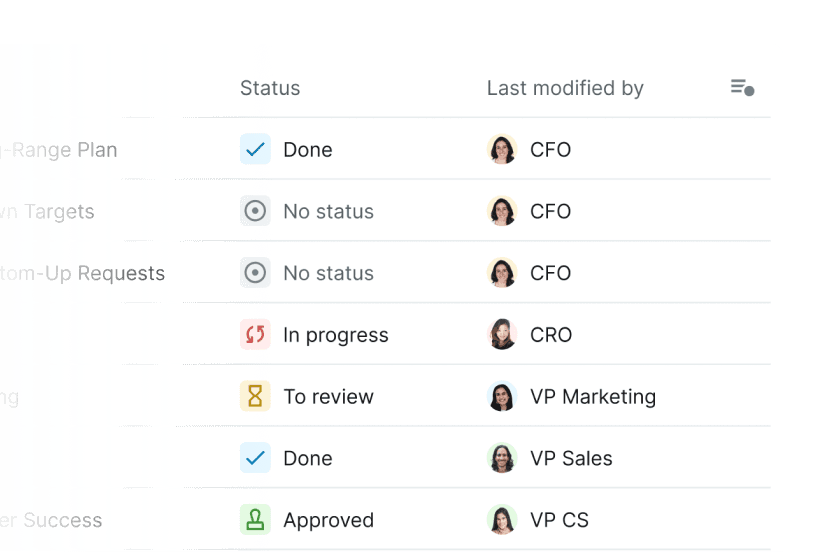
Planning rarely stops at revenue
Scenario Planning FAQs
What is a scenario planning software?
Scenario planning software is a type of computer program used to help organizations anticipate and prepare for potential changes in the future. It is designed to enable users to identify, evaluate, and simulate a range of scenarios that could potentially affect their business or industry.
The software typically includes tools for analyzing data, visualizing information, creating simulations, and presenting results. This enables users to explore multiple outcomes based on different factors and develop strategies to respond effectively.
How do I use scenario planning?
Scenario planning involves creating multiple scenarios that describe possible futures, taking into account various factors such as economic trends, consumer preferences, and technological developments. By considering a wide range of possibilities, businesses can be better prepared for any obstacles that may arise.
Here is how to use scenario planning:
1) Identify the drivers: Identify the key drivers that could affect your business in the future, such as social trends, economic conditions, or technological advances.
2) Create scenarios: Develop multiple scenarios that outline different possible futures based on these drivers.
3) Analyze outcomes: Evaluate the potential outcomes of each scenario and identify any potential risks or opportunities for your business.
4) Plan for the future: Develop a plan to prepare your business for any potential scenarios.
5) Monitor trends: Keep track of changes in the factors that could affect your scenarios and adjust your plans accordingly.
What are the benefits of using a scenario planning software?
There are several benefits to using a scenario planning software system:
1) Improved efficiency: Scenario planning software streamlines the process by allowing users to automate the process of creating and analyzing scenarios. This saves time and resources, resulting in greater efficiency.
2) Improved accuracy: By using effective scenario planning processes, users can access up-to-date data in a few clicks and create more accurate simulations. This reduces the risk of manual errors and allows users to make better-informed financial decisions.
3) Permission-based collaboration: Scenario planning tools allow team members to see the impact of different scenarios on their parts of the business specifically, giving them more visibility on how they might need to adjust accordingly.
4) Enhanced visualization: Scenario planning software provides a simple way to visualize data through dashboards, improving the understanding of non-finance users or stakeholders and helping them easily identify trends and patterns.
What core features should I expect from scenario planning tools?
There are several benefits to using a scenario planning software system:
1) Improved efficiency: Scenario planning software streamlines the process by allowing users to automate the process of creating and analyzing scenarios. This saves time and resources, resulting in greater efficiency.
2) Improved accuracy: By using effective scenario planning processes, users can access up-to-date data in a few clicks and create more accurate simulations. This reduces the risk of manual errors and allows users to make better-informed financial decisions.
3) Permission-based collaboration: Scenario planning tools allow team members to see the impact of different scenarios on their parts of the business specifically, giving them more visibility on how they might need to adjust accordingly.
4) Enhanced visualization: Scenario planning software provides a simple way to visualize data through dashboards, improving the understanding of non-finance users or stakeholders and helping them easily identify trends and patterns.
Can scenario planning be incorporated into rolling forecasts or budgeting cycles?
There are several benefits to using a scenario planning software system:
1) Improved efficiency: Scenario planning software streamlines the process by allowing users to automate the process of creating and analyzing scenarios. This saves time and resources, resulting in greater efficiency.
2) Improved accuracy: By using effective scenario planning processes, users can access up-to-date data in a few clicks and create more accurate simulations. This reduces the risk of manual errors and allows users to make better-informed financial decisions.
3) Permission-based collaboration: Scenario planning tools allow team members to see the impact of different scenarios on their parts of the business specifically, giving them more visibility on how they might need to adjust accordingly.
4) Enhanced visualization: Scenario planning software provides a simple way to visualize data through dashboards, improving the understanding of non-finance users or stakeholders and helping them easily identify trends and patterns.
What outcomes can teams expect?
Teams can move from disconnected planning work to a more connected workflow that helps them update plans, understand performance, and act with more confidence.
Which teams can use this workflow?
Finance can bring relevant budget owners and business stakeholders into structured workflows while managing access to sensitive information.
How does reporting stay current?
Connected actuals, assumptions, and plans help teams report from a more current view of business performance.
How much modeling flexibility is available?
Teams can adapt drivers, assumptions, and scenarios to reflect the planning questions their business needs to answer.
Can the workflow scale with the business?
Yes. The platform is designed to help finance evolve models and processes as planning needs become more complex.
Be ready for the next "what if"
See what scenario planning looks like when it runs on one model.
Be ready for the next "what if"
See what scenario planning looks like when it runs on one model.
Be ready for the next "what if"
See what scenario planning looks like when it runs on one model.





Use cases
Industries


Use cases
Industries
Use cases
Industries