Key takeaways
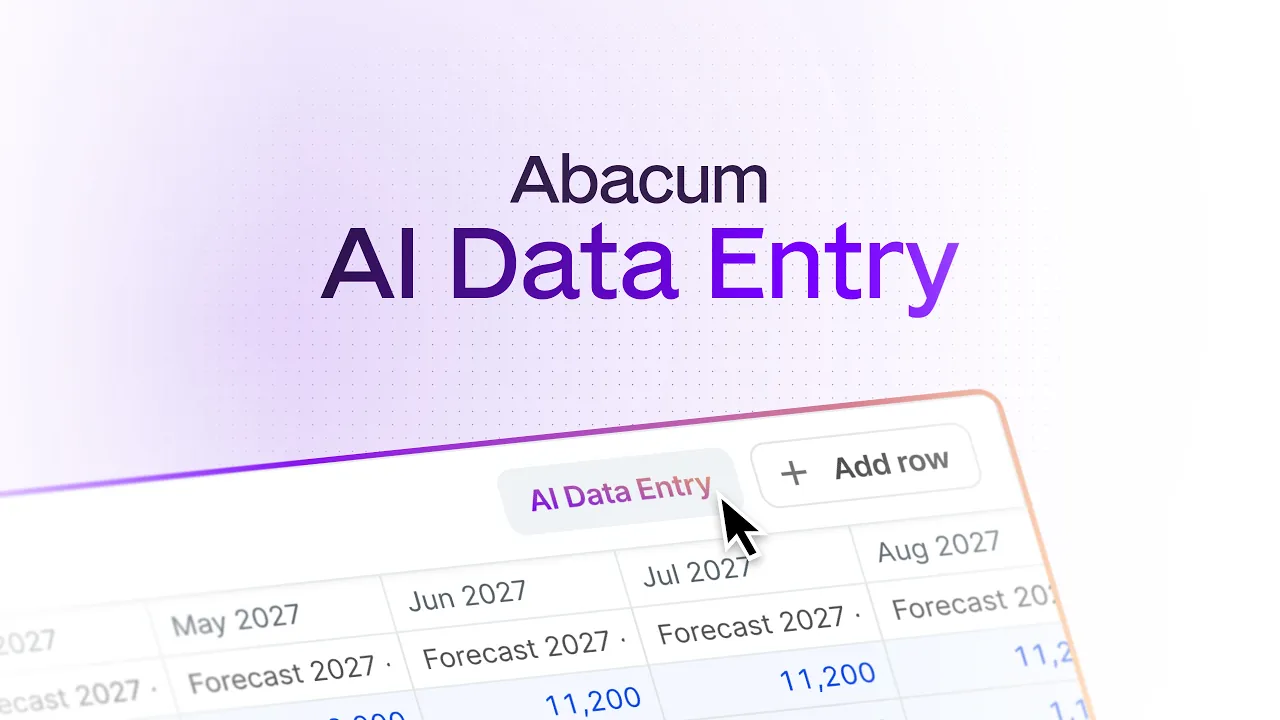
AI Data Entry is an Abacum Intelligence agent that updates an Input Table from a plain-language description of a budget change.
You describe the change, review every proposed value in the table, and apply it in one click. Nothing changes until you approve it.
Your original request is saved with the change history, so Finance sees the number and the reason behind it.
It is live now in every Abacum org. Hover over any Input Table to find it.
AI Data Entry is an Abacum Intelligence agent that lets Budget Owners update their budget by describing the change in plain language. Abacum Intelligence turns your description into a proposal for your Input Table, you review it, and one click applies it.
Watch AI Data Entry in Abacum.
Budgeting season asks every Budget Owner the same thing: open a table you use twice a year, find the right rows, and type the same numbers twelve times across. [F7] Most Budget Owners already know the answer in one sentence: "Same team as last year, Atlassian goes up 15%, we are dropping ChatGPT and adding Claude at €50k from Q2." The work is turning that sentence into cells.
AI Data Entry removes that step.
What is AI Data Entry?
AI Data Entry is the Abacum Intelligence agent for budget input. Instead of finding rows and typing values into cells, you describe what is changing and Abacum Intelligence proposes the values for your Input Table.
Budget Owner: the person who owns a part of the plan, such as a department head.
Input Table: the shared table where Budget Owners enter plan values in Abacum, organized by Dimensions.
Abacum Intelligence: the agents built into Abacum that work on your planning data. AI Data Entry is one of them.
How does AI Data Entry work?
Open your Input Table, invoke Abacum Intelligence, and describe your plan the way you would explain it to your Finance partner:
"Same team as last year, but the Atlassian contract goes up 15%. We're dropping ChatGPT. Adding Claude at €50k starting Q2."
Abacum Intelligence reads that request alongside the data already in your Input Table: prior inputs, Actuals, and historical patterns. It works out the impact and comes back with a proposal: which values change, which new rows are added, and what amounts go where.
Describe. Tell Abacum Intelligence what is changing in your plan, in one message or several.
Review. See every proposed value and new row in your Input Table, with the numbers and Dimensions in front of you, before anything moves. Nothing changes until you approve it.
Apply. One click writes the whole set of changes into the shared Input Table. Finance sees them in real time, with your original request saved in the change history.
Manual entry compared with AI Data Entry
Typing into cells | AI Data Entry | |
How you enter a change | Find the row, type the value, repeat for every period | Describe the change in plain language, in one message or several |
What you need to know first | Which row holds what, and which Dimension a new item belongs to | Nothing about the table layout. Abacum Intelligence reads the Input Table, prior inputs, Actuals, and historical patterns |
Review before it lands | Depends on your process | Every proposed value is shown in the table. Nothing changes until you approve |
Where the reason lives | In a Slack message or someone's inbox | Saved with the change history, next to the number |
What Finance sees | The final number | The final number, in real time, with your original request attached |
Can AI update a budget without losing control?
Yes, when the AI proposes and a person approves. AI Data Entry is built around three controls:
You approve every change. Abacum Intelligence proposes, you review, and a Budget Owner never ends up with values they did not sign off.
Changes land in the Input Table like any other input. The plan stays one source of truth.
The request travels with the change. The "why" is in the plan, not in an inbox.
Finance teams will not adopt AI that writes to their numbers without a review step. That is why review comes before apply.
Why is budget input the slowest step in planning?
Budgeting starts with decisions, not cells. A department head knows what is changing: a contract renewal, a tool swap, a hire pushed to Q2. The decision takes a minute. Entering it takes far longer.
That gap is where planning cycles stall. Budget Owners open a table they touch twice a year and have to relearn it: which row holds the Atlassian contract, which Dimension the new tool belongs to, how to spread €50k from Q2 without typing it nine times. Often the easier route is a Slack message to Finance.
Finance then does the entry on their behalf, chases the Budget Owners who went quiet, and spends review meetings asking why a number moved. The reason lives in someone's inbox, not in the plan. Every cycle follows the same pattern: a long collection phase, and a plan nobody fully trusts because the context behind it is scattered.
A table built around cells keeps the work in the cells. Letting people plan in the language they already use moves the work to the decision.
What changes for Budget Owners, Finance, and CFOs?
Budget Owners: input in minutes
You describe the whole set of changes at once instead of filling cells one by one. You do not need to learn the table before you can contribute to the plan.
Finance: fewer chases, fewer "why did this move" calls
Every change arrives in the shared Input Table in real time, with the Budget Owner's original request logged next to it. Review becomes reading, not interviewing.
CFOs: a faster cycle and a plan you can defend
When input moves faster, you close the budget earlier and spend the time you get back on decisions instead of collection. When every number carries its reason, the plan holds up in the board meeting without a scramble to reconstruct who changed what.
Where does AI Data Entry fit in Abacum Intelligence?
AI Data Entry is part of Abacum Intelligence, the agents built into Abacum that clean and map data, explain what changed, build models and scenarios from plain language, and route approvals, with every action logged. This release puts that same approach where most of the manual work in planning still lives: the inputs.
AI Data Entry works inside Abacum's financial planning workspace, so the inputs it writes feed the same budgets, forecasts, and scenarios your team already uses. For a wider look at the tools in this space, see the guide to top budgeting and forecasting software for FP&A teams.
When is AI Data Entry available?
AI Data Entry is enabled in every Abacum org today. Hover over any Input Table to find it. Creating new lines and data entry for Versioned Dimensions are coming next.
Already an Abacum customer? Open an Input Table and describe your first change.
Not yet on Abacum? See how AI-native planning works in a personalized demo.